
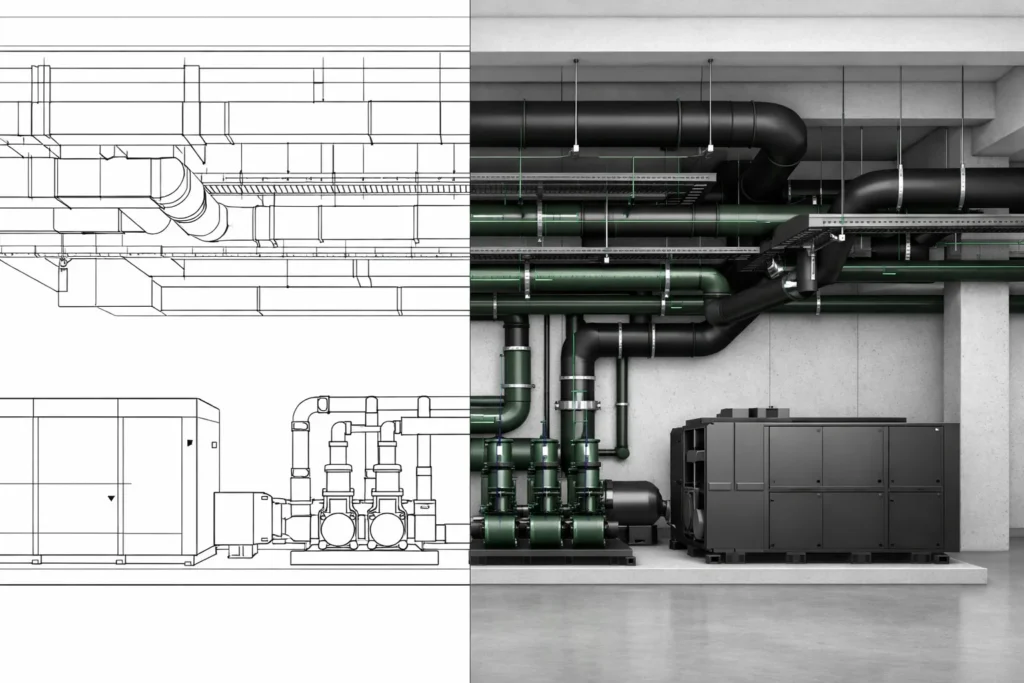
Revit MEP vs AutoCAD MEP – Which Is Better for Commercial Construction in Australia?
The debate around Revit MEP vs AutoCAD MEP continues across Australian commercial construction projects. Builders, MEP contractors, BIM managers and consultants regularly ask which platform delivers better coordination certainty, productivity, and long-term value.
At its core, this is not simply a software comparison. It is a comparison between traditional CAD drafting and data-driven BIM modelling. For small projects, the difference may appear minimal. However, on hospitals, universities, commercial towers and infrastructure projects, the strategic implications are significant.
The Evolution of AutoCAD MEP Drafting
AutoCAD has supported Australian construction documentation for decades. AutoCAD MEP extended the platform to include discipline-specific toolsets for mechanical, electrical and hydraulic systems.
It introduced intelligent objects, symbol libraries and layer control. Nevertheless, its workflow remains drafting-centric. Most outputs are 2D drawings, and coordination relies heavily on manual overlay and visual checking.
For low-risk projects, this approach can still be adequate. However, complexity exposes its limitations.
The Rise of Revit MEP and BIM in Australia
Revit MEP was built around Building Information Modelling rather than drawing production. Instead of lines and blocks, it uses parametric systems containing embedded data.
Over the past decade, Australian government agencies, Tier 1 contractors and institutional clients have accelerated BIM adoption. Consequently, model-based coordination has become standard on many commercial projects.
This shift reflects risk management, not trend adoption.
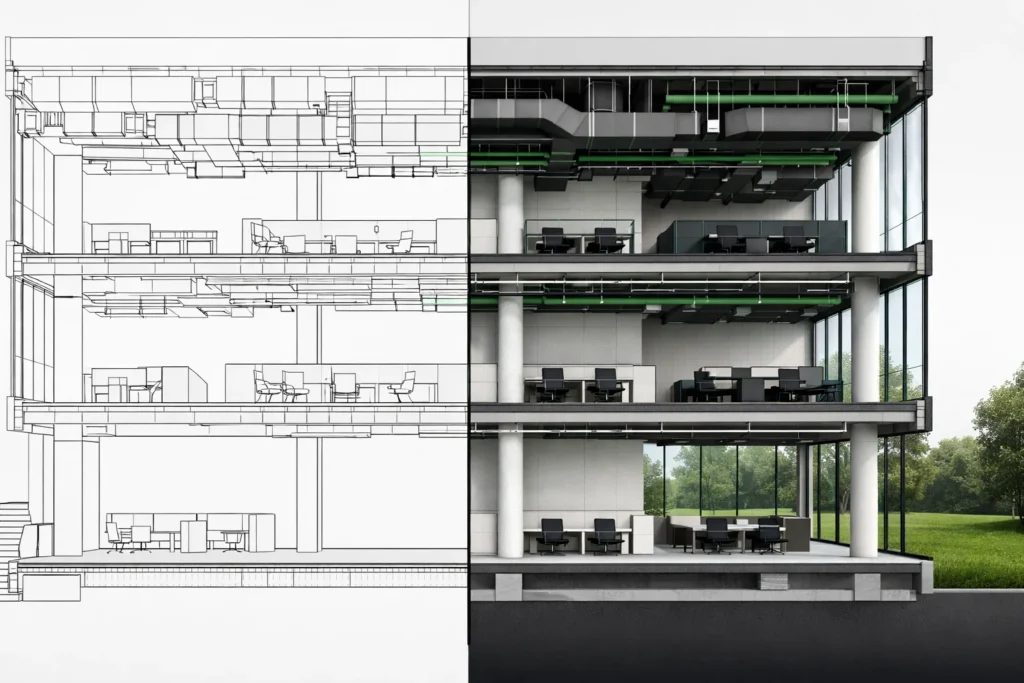
Revit MEP vs AutoCAD MEP – Core Technical Comparison
2D Drafting vs 3D Parametric Modelling
AutoCAD MEP drafting primarily produces 2D documentation. Although 3D views are possible, they are not inherently data-driven. Changes often require manual updates across multiple drawings.
Revit MEP for commercial construction operates in a native 3D parametric environment. When system parameters change, the entire model updates automatically. Sections, elevations and schedules are generated from the model.
Parametric Intelligence
In Revit, connected systems behave logically. Duct resizing updates fittings. Pipe offsets adjust with level changes. Equipment parameters drive schedules.
By contrast, AutoCAD requires manual edits, increasing coordination risk.
Clash Detection and Coordination
Clash detection within CAD workflows is largely manual. Overlaying consultant drawings identifies conflicts visually.
Revit integrates with coordination environments that allow automated clash detection, reporting and resolution tracking. This reduces rework before construction begins.
Schedule Automation and Quantities
AutoCAD schedules are static tables. Quantities are often extracted manually or via separate tools.
Revit generates live schedules and quantity take-offs directly from the model. Therefore, documentation and procurement remain aligned throughout design development.
Data-Rich Asset Modelling
Revit elements can contain manufacturer data, warranty details, maintenance intervals and asset tags. This supports lifecycle management and facility handover.
AutoCAD objects typically do not embed structured asset information.
Cloud Collaboration
Modern commercial projects involve distributed teams. Revit supports shared models and cloud collaboration environments. Version control and audit tracking improve accountability.
AutoCAD workflows are file-based and more vulnerable to version inconsistencies.
Side-by-Side Feature Comparison
| Criteria | AutoCAD MEP | Revit MEP |
|---|---|---|
| Core Approach | 2D CAD Drafting | 3D BIM Modelling |
| Parametric Behaviour | Limited | Fully Parametric |
| Clash Detection | Manual | Automated |
| Quantity Take-Off | Manual Extraction | Model-Based |
| LOD Capability | Up to LOD 300 | LOD 200–500 |
| Asset Data | Minimal | Data-Rich |
| Cloud Collaboration | File Sharing | Integrated Cloud |
LOD Capability Comparison (LOD 200–500)
AutoCAD MEP workflows typically support graphical LOD 200–300 representation. Fabrication-level modelling is limited.
Revit MEP supports:
- LOD 200 – Concept systems
- LOD 300 – Coordinated layouts
- LOD 350 – Connection detailing
- LOD 400 – Fabrication modelling
- LOD 500 – Verified as-built models
On Australian hospitals and data centres, LOD 400–500 capability is increasingly required.
When AutoCAD MEP Is Still Appropriate
- Small retail tenancies
- Minor refurbishments
- Projects without BIM mandate
- Short-term documentation scope
When Revit MEP Is Essential
- High-density ceiling spaces
- Multidisciplinary coordination
- Government or institutional clients
- Prefabrication requirements
- Digital twin or FM integration
Commercial Construction Perspective in Australia
Australian commercial construction increasingly adopts early contractor involvement and design-and-construct procurement models. Consequently, coordination certainty is critical.
For Tier 1 and Tier 2 contractors, model-based delivery reduces variation risk and improves buildability.
Productivity and Long-Term ROI
Although AutoCAD licensing costs may appear lower initially, rework, variation management and manual processes increase downstream cost exposure.
Revit MEP improves documentation consistency, reduces clash risk and supports prefabrication. Over multiple project cycles, the return on investment is measurable.
BIM Migration in Australia
Transitioning from CAD to BIM requires structured planning. Training, hardware upgrades and workflow redesign are necessary.
However, organisations that complete BIM migration position themselves competitively for government and institutional tenders.
Frequently Asked Questions
Is Revit MEP replacing AutoCAD MEP in Australia?
For complex commercial projects, yes. Smaller projects may still rely on CAD workflows.
Can AutoCAD MEP support LOD 400?
It is not optimised for fabrication-level modelling. Revit is more suitable.
Is BIM mandatory in Australia?
Not universally. However, many government and institutional projects require BIM deliverables.
Which software is better for MEP coordination?
Revit MEP offers stronger coordination and clash detection capabilities.
How long does BIM migration take?
Typically 6–12 months depending on organisational size.
Does Revit improve contractor productivity?
Yes, particularly in coordination, prefabrication planning and asset documentation.
Conclusion: Revit MEP vs AutoCAD MEP
The decision between Revit MEP vs AutoCAD MEP depends on project scale, risk profile and client expectations. For small, low-risk works, AutoCAD MEP remains viable.
However, for complex commercial construction across Australia, Revit MEP provides stronger coordination, higher LOD capability and long-term lifecycle value.
As outlined by Autodesk, BIM platforms integrate geometry, data and documentation within a unified modelling environment.
For contractors operating nationally, engaging an experienced BIM consultancy ensures structured delivery and controlled migration. You can review nationwide project capability via MeterBuilt Offices or explore specialised modelling and coordination solutions through MeterBuilt Services.
Ultimately, BIM-based MEP modelling is no longer optional for high-density commercial construction. It is a strategic requirement for risk reduction and competitive delivery.